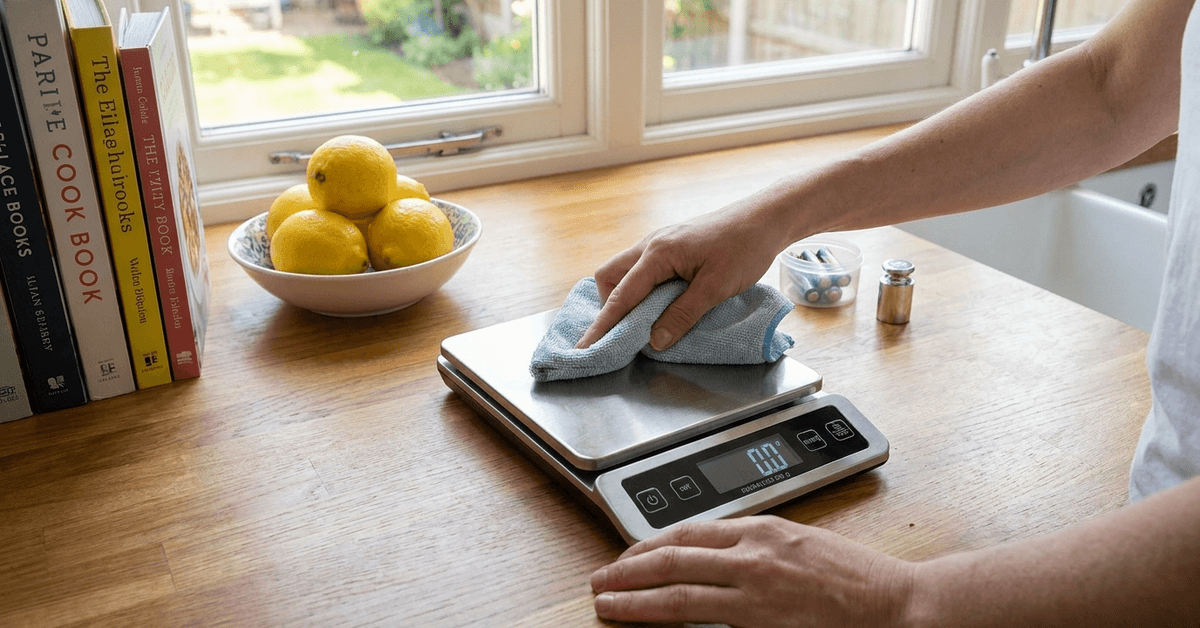
Maintaining a digital kitchen scale helps support dependable measurements during cooking and baking. Food residue, moisture, weak batteries, and improper storage can affect everyday use.
This guide explains how to clean, calibrate, store, and protect a scale safely. It also covers battery care, common issues, material-specific cleaning, and replacement signs.
Understanding Your Digital Kitchen Scale
A digital kitchen scale usually includes a weighing platform, display, control buttons, battery compartment, and internal weight sensors.
Understanding these parts makes cleaning easier while helping protect sensitive components from moisture or damage.
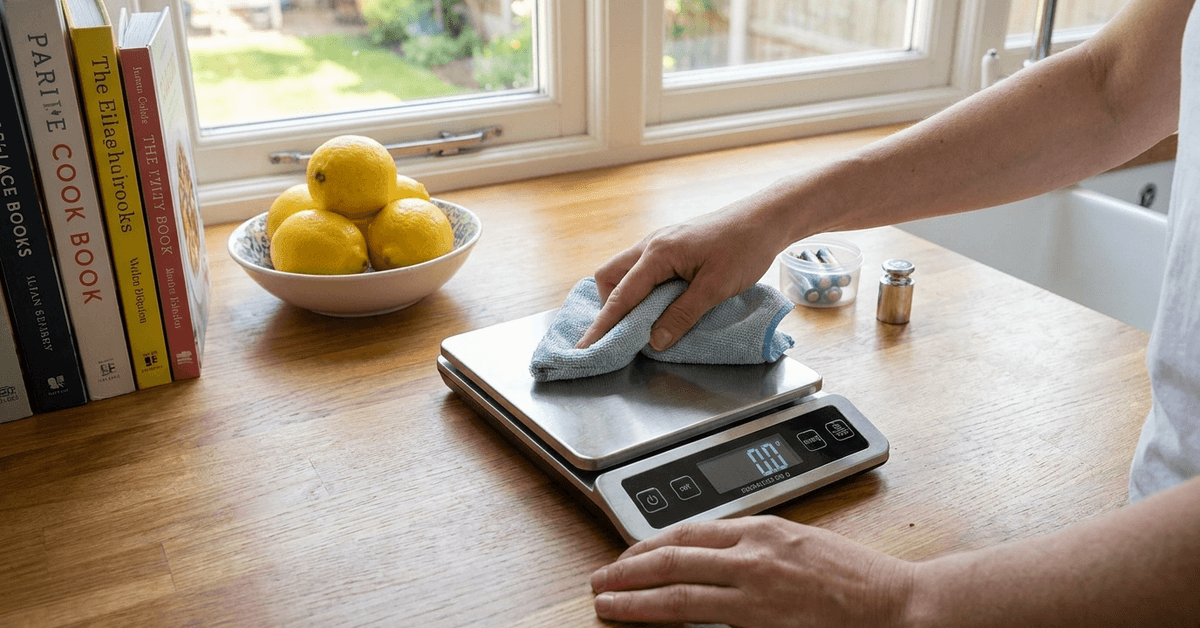
For example, OXO offers an 11-pound stainless steel food scale with a pull-out digital display and 1-gram increments. Checking the specific product instructions remains important because maintenance requirements vary by model.
Why Proper Maintenance Matters?
Consistent care helps preserve measurement accuracy and reduces problems caused by spills, residue, or damaged battery contacts. A clean scale is also easier to use during daily meal preparation and less likely to develop avoidable surface damage.
Routine Cleaning for Lasting Accuracy
Routine cleaning prevents crumbs, flour, grease, and liquids from collecting around important surfaces. Use minimal moisture and gentle materials so cleaning does not affect internal electronics.
Cleaning the Weighing Surface
The platform often collects crumbs, flour, oil, and other food residue during normal use. Wipe it with a soft microfiber cloth that is dry or only slightly damp. For stubborn spots, use mild dish soap if the manufacturer permits it, then dry completely.
Clearing the Display and Buttons
Fingerprints and particles can make the digital display harder to read and collect around buttons.
Wipe the screen gently with a soft cloth and use a lightly dampened cotton swab around accessible edges. Avoid spraying cleaner directly onto the control area or nearby seams.
Protecting Internal Components
Moisture entering seams can interfere with electronic components and weighing sensors.
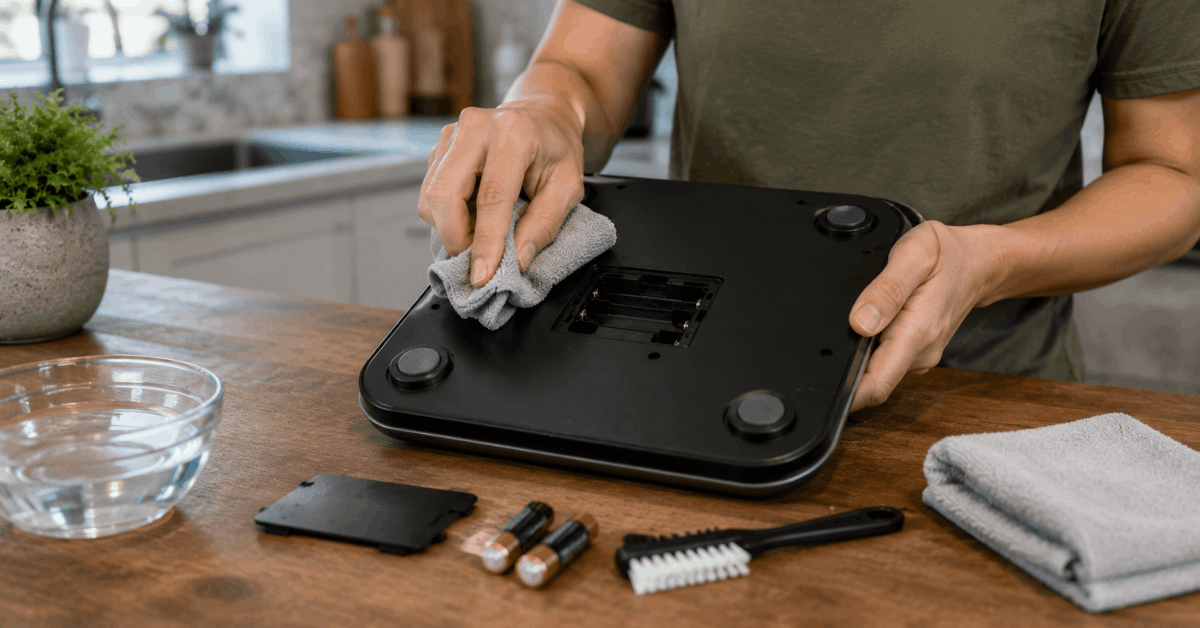
Clean by wiping rather than rinsing the entire scale unless the product is specifically designed for washing. Keep the battery compartment dry to reduce corrosion and unreliable connections.
Step-by-Step Guide: Cleaning Your Scale Safely
A simple cleaning sequence protects the scale while removing residue. Use soft cleaning tools and avoid excessive liquid around electronic areas.
- Turn the scale off and remove batteries if recommended.
- Brush away loose crumbs.
- Wipe the platform with a barely damp microfiber cloth.
- Clean around buttons and the display carefully.
- Use mild dish soap on stubborn residue when approved.
- Never spray water directly onto the scale.
- Dry every accessible surface completely.
- Reinstall batteries only after the scale is fully dry.
Battery Care and Replacement Tips
The battery compartment needs protection from moisture and debris. Regular checks help maintain steady power and protect the contacts from corrosion damage.
- Inspect battery contacts periodically.
- Replace batteries when the display becomes dim or inconsistent.
- Use the battery type specified by the manufacturer.
- Follow the correct polarity markings.
- Remove batteries during long storage when recommended.
- Keep the compartment completely dry.
Calibration for Consistent Results
Calibration helps confirm that a scale measures known weights correctly after movement or questionable readings. Follow the model-specific procedure because required weights and button sequences can differ.
Using Standard Weights
A calibration weight provides a known reference mass for models that support user calibration. Use the value specified by the manufacturer rather than an arbitrary household item. Food packages may not provide the required accuracy for precise calibration.
How Often to Calibrate?
Calibration frequency depends on how often the scale is used, moved, or bumped. Frequent users may check periodically, while occasional users may calibrate only when readings seem questionable.
Recalibrate after movement or impact when the manufacturer recommends it for consistent measurements.
Essential Precautions for Everyday Use
Careful habits protect the platform and the weighing mechanism underneath it. Keep the scale level, dry, and within its rated capacity for reliable performance.
- Avoid placing very hot cookware directly on the platform.
- Weigh liquids inside a separate bowl.
- Do not exceed the maximum capacity.
- Use the scale on a flat, stable surface.
- Keep liquid away from seams and buttons.
- Avoid dropping or jolting the scale.
Common Issues and Quick Fixes
Minor problems often come from uneven placement, weak batteries, or debris. Start with basic checks before assuming the scale has a permanent fault.
Unstable or Flickering Readings
Place the scale on a hard, level surface and ensure nothing touches the platform. Check underneath for crumbs that may prevent the feet from resting evenly.
If readings still fluctuate, replace the batteries and follow the recommended calibration procedure.
Display Not Powering On
Confirm that the batteries are correctly installed and have enough charge. Inspect accessible contacts for corrosion or debris while keeping liquids away from the compartment. If fresh batteries do not restore the digital display, consult the product instructions.
Storing Your Digital Kitchen Scale
A cool, dry cabinet protects the scale from moisture, grease, and impact between uses. Store it without heavy pressure on the weighing platform.
- Avoid stacking heavy cookware on top.
- Keep the scale away from sinks and dishwasher steam.
- Protect glass surfaces from damage.
- Remove batteries for long storage when recommended.
- Use a sleeve or box for dust protection if needed.
Material-Specific Cleaning Tips
Platform material determines which cleaning method is least likely to leave scratches or streaks. Use non-abrasive cleaning and follow the product instructions before applying specialized cleaners.
Stainless Steel Platforms
Stainless steel can show fingerprints and smudges even when otherwise clean. Wipe with a soft damp cloth and mild dish soap when needed. Dry thoroughly to leave the steel surface clean without unnecessary abrasion.
Tempered Glass Surfaces
Tempered glass is easy to wipe but can still scratch when cleaned aggressively. Use a soft microfiber cloth with a manufacturer-approved cleaner for the glass platform. Dry fully and avoid spraying liquid near seams or controls.
When to Consider Replacement?
Replacement may be necessary when internal sensors or electronic components no longer provide reliable performance. Persistent calibration failures, display problems, damaged contacts, or unstable measurements can signal deeper issues.
If cleaning, fresh batteries, and proper setup do not restore dependable operation, replacing the device may be the safer choice.
Conclusion
Regular maintenance helps a digital kitchen scale remain clean and dependable for everyday food preparation. Gentle wiping, dry battery contacts, proper storage, and occasional calibration support measurement reliability.
Following manufacturer instructions also helps protect platform materials and electronic components. With a consistent maintenance routine, the scale can continue providing useful measurements while avoiding preventable problems.